There is a dichotomy in most offices around the world. On the one hand the digital area with individual and network computers, on the other hand documents in paper form. This sometimes causes chaos and, above all, time is lost. Time spent searching for content.
Paperless work through digital processes
According to an international report by McKinsey, office workers spend 1.8 hours per day searching and gathering information, which is an average of 9.3 hours per week.
Accountants, secretaries, buyers, clerks, dispatchers and many other professional groups are busy processing administrative processes every day. The work of one employee is often dependent on that of another.
Every company now has a multifunction device that also supports the scan function. But for many, the term and the use of a document management system is still unknown.
In the current article we explain that it is worth using a document management system with your scanner. We will give you at least 15 reasons for using it, which will enable you to make your office paperless and digital and how you can use it to increase the efficiency of your company's core business.
Before we get into the reasons why, let's answer the question:
What use a DMS for in the company?
Invoices, bills of lading, accompanying letters, shipments or operating instructions for new devices and the associated guarantee certificates, to name just a few examples? Their digitization is often a long time coming, simply because there is a lack of staff and time. As a result, the analog mountain grows.
Large amounts of business information can be digitally captured, securely stored and shared
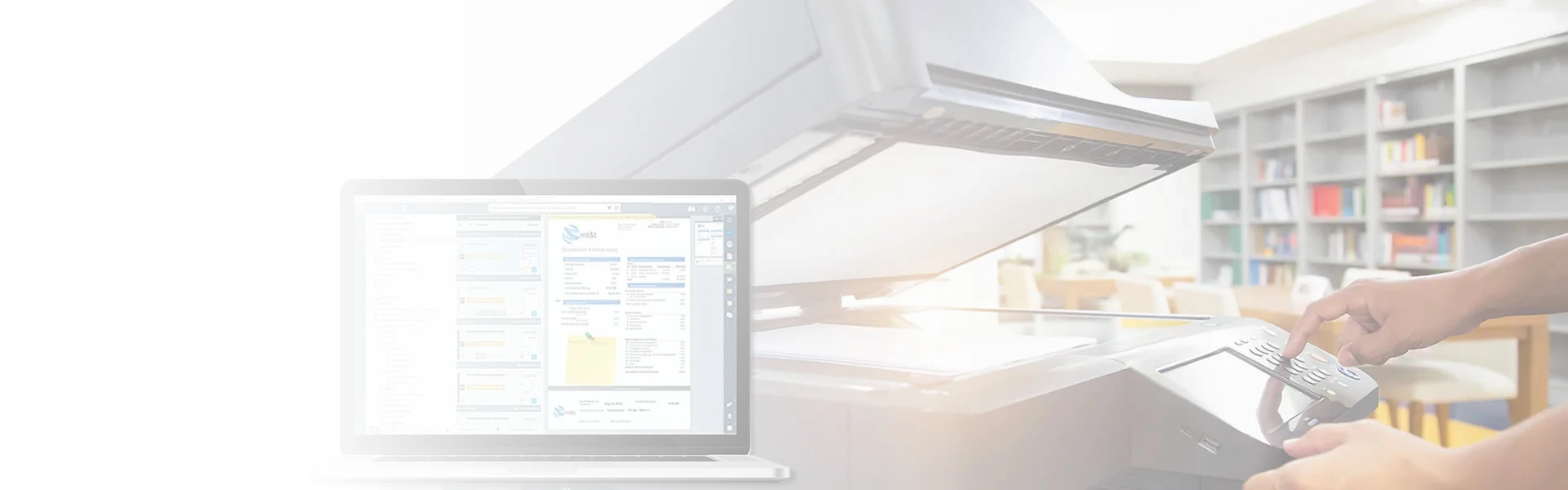
With a DMS and the scanner that is suitable for your needs, you can get the dichotomy and the unnecessary loss of time under control.
DMS also stands for document management software and is intended to manage documents, especially digital documents, which includes the conversion from analogue to digital. PaperOffice DMS is such software.
Because PaperOffice DMS makes it possible for analog paper to become digital content where it occurs.
Intelligently structured indexing assigns each document to the correct process by entering a keyword. With the own search engine in PaperOffice, all documents can then be found and called up. Depending on requirements, recorded letters are converted using OCR text recognition in order to be able to process them with compatible Office software.
We recognized the need, but:
What are the advantages of a paperless office?
In today's world, employees deal with a large number of different documents: original paper documents such as letters or contracts, PDFs and electronic documents such as files and emails.
In many companies, these documents are copied, printed out, forwarded, distributed and filed in different places. The search for important information is becoming increasingly difficult and leads to uneconomical workflows and overburdened employees. We have a detailed article, in which the need for document management systems is described and the advantages of using them are listed.
Your scanner together with PaperOffice DMS are the best partners to make your company paperless
However, if your employees start eliminating or at least reducing paper consumption in the offices or the entire company, you will also improve processes, increase productivity by digitizing data, use paperless methods and thus reduce costs.
Many other advantages and aspects have already been discussed in a detailed article on "Implementation in a paperless office".
Which scanners are suitable for the perfect collaboration?
For example, multifunction devices (MFP) such as those from Brother or Konica Minolta and other manufacturers.
Printer, scanner and copier all-in-one: The scanned documents go to the central directory via these central devices or via "direct scan to mail" as an e-mail to a mailbox in your Outlook, which is monitored by PaperOffice, for example and thus automatically enters the document management software.
Or simply integrate your custom PaperOffice address into your scanner, so-called DropMail email address, as the storage location for your scanned files. PaperOffice archives all files easily by email.
Tip
On the topic "Fully automated archiving of paper documents from the scanner" there is also a video on YouTube that explains this process in a simple and understandable way:
For those who want to scan paper documents in the normal way, the "ScanConnect" module integrated by default in PaperOffice is ideal. Because this supports every scanner, multifunction device or large-capacity copier with an integrated scan unit and is very easy to use.
Nevertheless, it is unimportant how your paper documents get to PaperOffice, because thanks to the automated OCR text recognition, the content of all your scanned documentation is recognized.
No matter what is made of paper, it is scanned and recorded with high precision thanks to AI-based optimization.
As soon as documents are recorded, their content is indexed using raw text decomposition. To put it simply, the content is written word by word into a special register, with the algorithm recognizing individual words in a word combination and recording them in the same way.
Digitization and document management
When we talk about document management systems, we must not forget: the higher the level of digitization of the information that is part of the processes, the higher the level of control and automation that we can achieve. We have already written an article on the advantages of digitalization, click here.
In the first step, you determine which documents belong to our processes, how we integrate them into our document management system and which information is to be extracted and stored together with the documents in your database. Once the information is included, we define its life cycle, how it will interact with other processes and how we can integrate it.
Information comes from different sources
Most likely, we will come across information coming from different sources and in different formats. Some of it in digital form, stored in files or databases and some in the form of printed documents.
What do we do with digital documents in pdf, doc, etc. format? Here the process is very simple.
Drag the digital document into the PaperOffice interface. Or have your Windows folders easily monitored after documents have been received.
Tip
By the way, there is a video on YouTube on the topic of "Directory monitoring and mass archiving" that explains this process in an understandable way:
Documents in paper form can easily be scanned and converted into digital format thanks to the integrated scanner.
Thanks to the Optical Character Recognition program (OCR = Optical Character Recognition), we have already taken an important step. Using a scanner or other digitizing device, we not only convert the document into an image, but can also "read" its content electronically.
Not only is the pure OCR text included in the database, thanks to the artificial intelligence (AI) called PIA, automation can either be specified manually or automatically.
This is how we use the system to recognize and define which document areas need to be read out automatically. Such as invoice number, date, products, amounts, etc. Accordingly, we have all the necessary information in our document management system.
The digitization of information via OCR makes it easier to integrate a wide variety of documentation into the management of processes and workflows.
It all sounds good, but how is mass archiving done from the scanner?
PaperOffice DMS has also taken mass archiving from your scanner into account for the most important features relating to text recognition, AI integration and keywording.
The ScanConnect module not only offers a direct connection between your scanner and PaperOffice DMS. ScanConnect is a powerful scanner tool for manual scans and hides other interesting features to help you with bulk scanning.
First prepare all document pages for scanning and then place the separator pages between the individual documents that you want to separate.
PaperOffice recognizes the separator pages and saves the documents individually.